How Sound Works
Your voice is a wiggly wave. Watch the computer sample it.
What you'll learn
- Waveforms
- Sampling
- Frequency
In this video
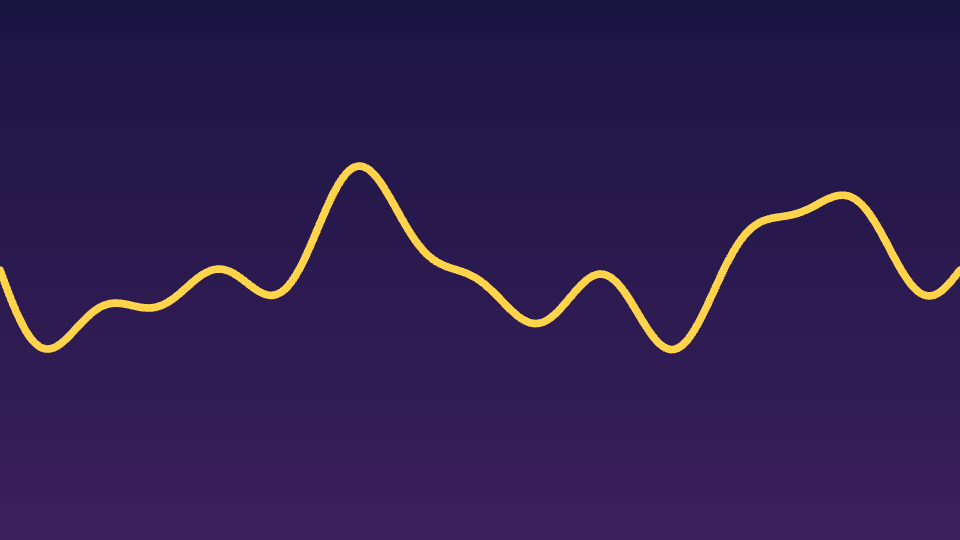
Okay, here's something wild. Every time you talk, your voice is actually a wave — just like this. Watch it wiggle. That squiggly line? That's literally what your "hello" looks like.
So what is this wave, really? It's air. When the line goes up, the air is squished a tiny bit tighter. When it dips down, the air spreads out. Your ears feel those pushes — and your brain calls it sound.
But computers can't keep a wiggly line — they need numbers. So watch this. The microphone snaps thousands of tiny pictures of the wave every second. Each pink dot? That's one snapshot. We call this sampling.
Your turn — drag the slider. Pull it way down. See how the dotted line barely follows the wave? That's the computer's guess of your voice, and it's pretty bad. Now slide it up. The more snapshots, the closer it gets.
Look — see the little numbers next to each dot? That's all a snapshot really is. Just one number saying how high or low the wave was at that exact tick. Your whole voice, turned into a long list of numbers.
Now watch the wave change. When the wiggles get faster and squish together, the pitch goes up — that's a squeaky voice. When the bumps grow tall, it gets louder. Two simple things, and you've got every sound ever made.
Try it — slide it left for a deep rumbly voice, like a giant. Slide it right and imagine a tiny mouse squeak. Can you hear it in your head as you move it? That's pitch — just how fast the wave wiggles.
And that's the secret. When you talk to Siri or Alexa, they don't hear your voice — they see a stream of numbers. From wiggly air, to a wave, to numbers a computer can think about. Pretty cool, right?
Topics
Ready to try it yourself?
How Sound Works is a hands-on interactive video — watch it, then play with the idea live in your browser. Free, no sign-up.
Open in Kekula →